Publish a form, convert a file, find the icon you need
Fruga gathers the small jobs that each used to cost a day. Collect answers through a link you share and export them as a spreadsheet, convert images, audio and documents without uploading them anywhere, and pull from an icon library served over a CDN.
- Icons
- 519
- Developer tools
- 16
- Forms
- Excel export
Collect what you used to collect on paper
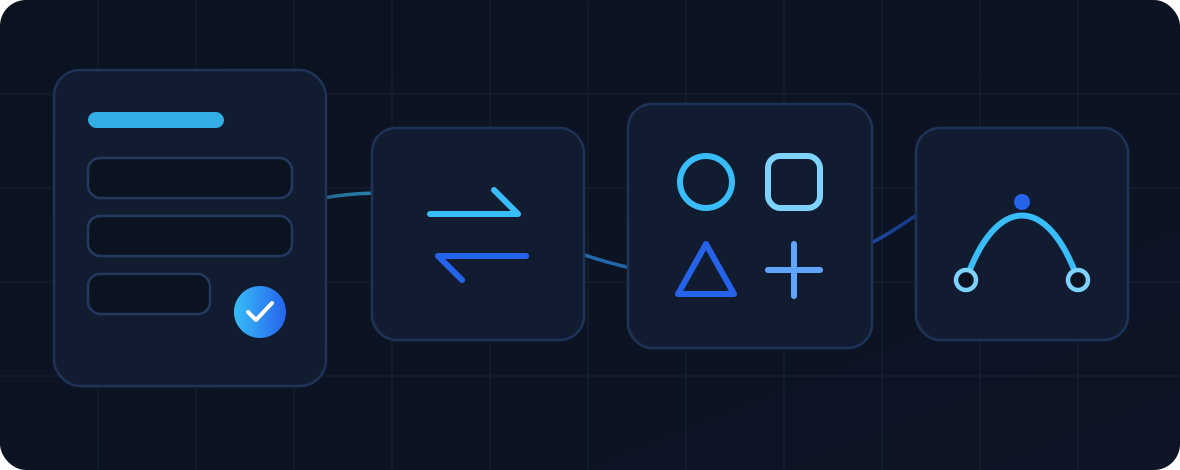
Build the questions once, share the link, and watch the answers arrive in a table you can export as a spreadsheet - with the columns in the order your own sheet already has them.
One link, no accounts
Share a link and anyone can answer it. Nobody has to sign up, and the page they open carries no menu to wander off through.
Rules that hold
A national id of exactly eleven digits, letters with no numbers in them, a date inside a range, a value nobody else has given - checked on the server, not only in the browser.
Photographs with the answers
Ask for a document and the picture is kept with the response, shown in the table, and embedded in the exported sheet rather than linked from it.
Your answers, your database
Responses are stored apart from the site and served only to the person whose form collected them.
Family registration
19 questions · answers export to Excel
Area
Administrative unit
National ID
11 digits · must not repeat
Family book photo
Add the library in two lines
Link the stylesheet, then use any icon by class name. No build step and no package to install.
Add the CSS file
<link rel="stylesheet" href="https://cdn.frugaldomain.site/icons.css">
Include it once in your <head> to make every icon available.
Use an icon
<i class="frugal frugal-bell"></i>
Apply the class to any element. Copy and paste straight from the gallery.
Or download and edit
Prefer to own the file? Download the SVG and edit it directly in your own tooling.
Icons gallery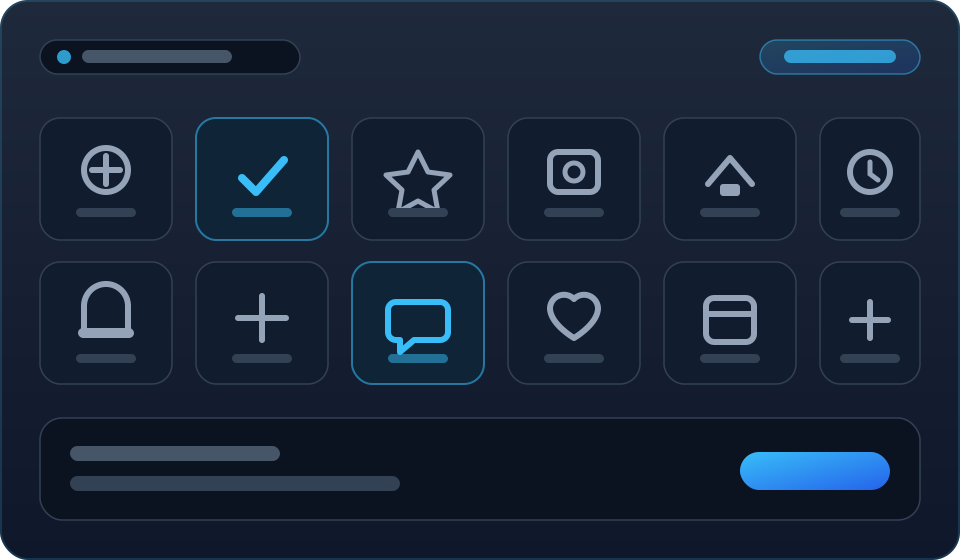
Manage your icons in one place
Download in PNG or SVG, tweak an icon on the spot, and copy it out as JSX or raw SVG whenever you need it.
Open the galleryInterface templates, ready to copy
Over two hundred tables, forms, dashboards and interface elements - more than fifty in each category. Every one is a single file you can read in a sitting before you paste it into a project.
- One self-contained HTML file each - no build step, no dependencies, nothing fetched at runtime.
- Light and dark themes in every template, driven by four variables at the top of the file.
- Written with logical CSS properties, so every layout mirrors correctly in Arabic and right-to-left.
- Install one from the terminal with npx frugal add, or let a coding agent fetch it over MCP.
Change formats without losing quality
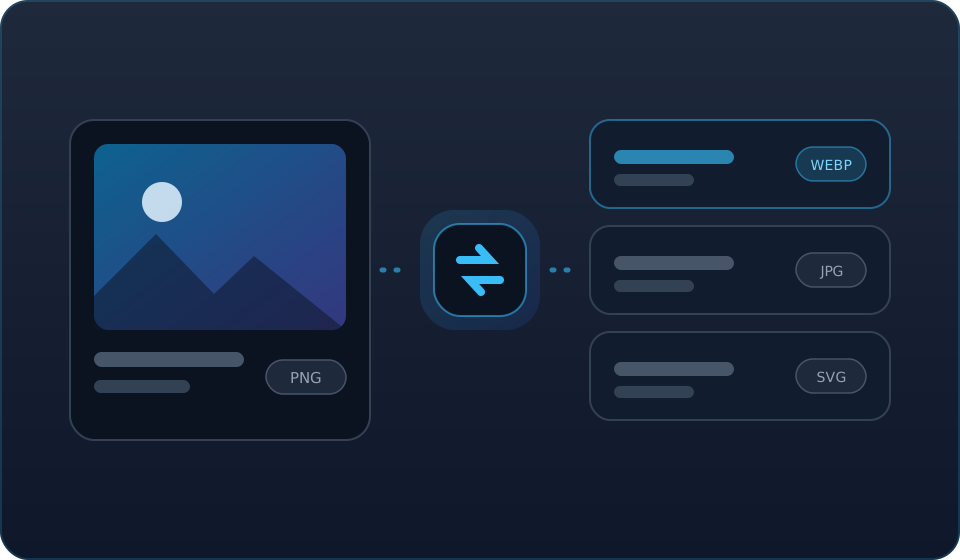
Convert images between JPG, PNG and WEBP in the browser. No uploads to a third party, no watermarks, and the original resolution is preserved.
- JPG
- PNG
- WEBP
- SVG
Complete systems, ready to try
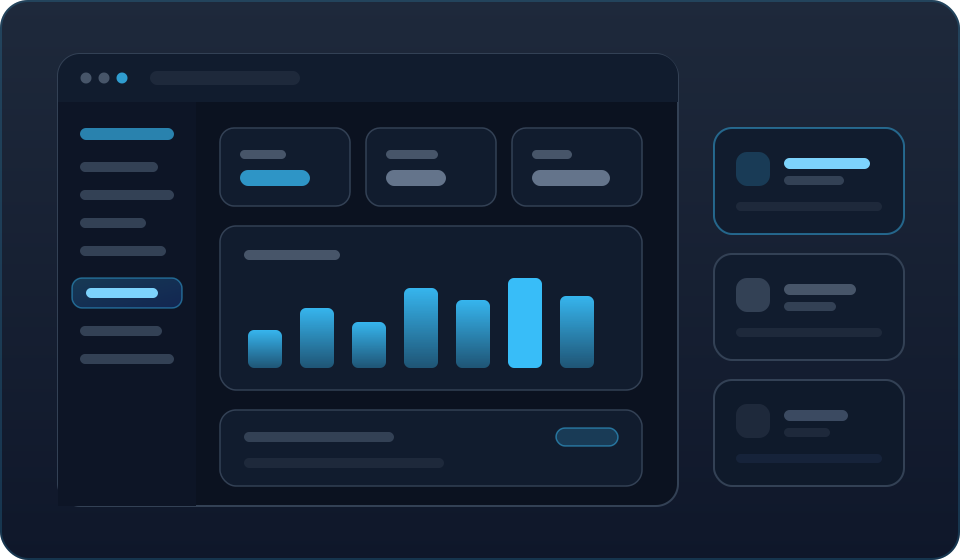
Management systems for pharmacies, charities, accounting and point of sale. Each one actually runs, so you can try it before committing to anything.
- Every system has a page explaining its architecture and database.
- A live preview that runs in the browser on sample data.
- Built with Laravel and React on PostgreSQL.
Design it once, export it anywhere
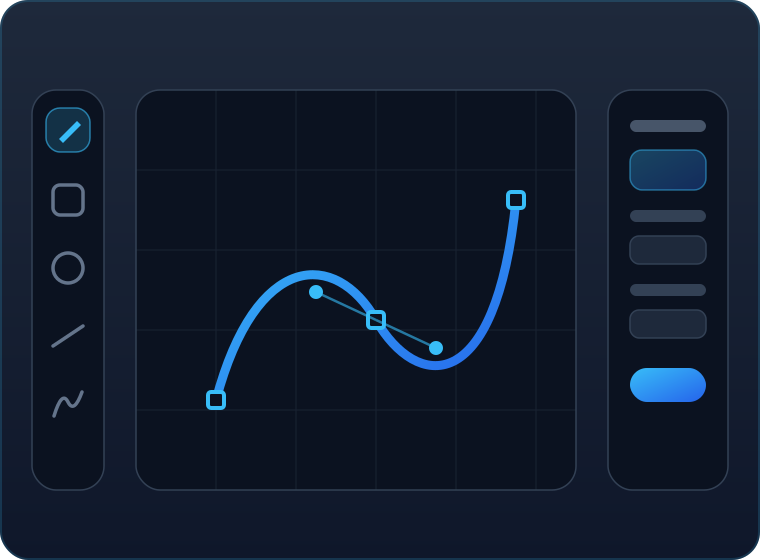
A full vector design editor in the browser - shapes, paths, text, images, clipping masks and layers - with output that never pixelates.
- Draw with shapes, paths, text and images on a precise canvas.
- Clip and mask artwork to any shape, and combine shapes with boolean operations.
- Export to SVG, PNG, PDF and more - crisp at any size, and editable again later.
Capture gestures, stream the data
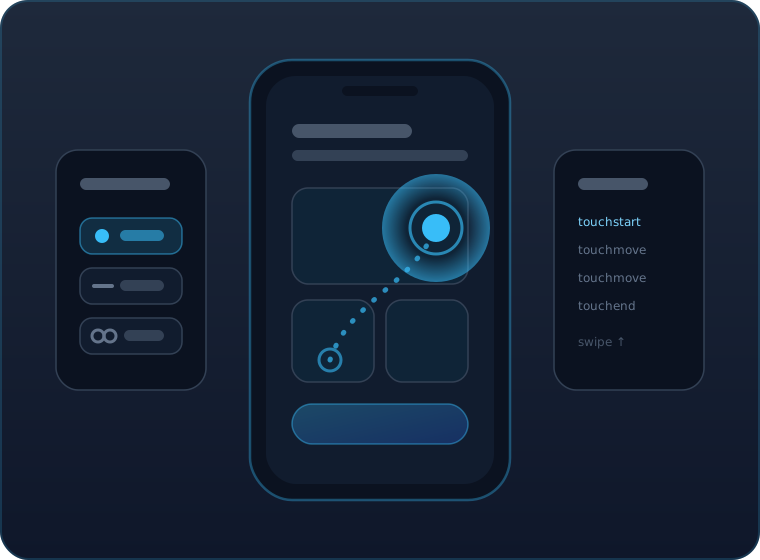
Record raw touch and gesture input, such as handwriting coordinates, and forward it to the endpoint of your choice.
- Capture raw touch and gesture coordinates as they happen.
- Send the stream to any endpoint you configure.
- Build datasets for training and testing models.